





&c4=o-color-4&c5=o-color-5)
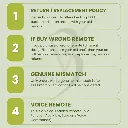
Easy returns
Free 7-days returns with quick refunds or easy exchanges and no stress.&c2=rgba(0,0,0,.5)&c4=o-color-4&c5=o-color-5)
Free shipping
Enjoy fast, free shipping on all orders, no minimum, no hidden fees.&c4=o-color-4&c5=o-color-5)
Secure payment
Your information is protected with encrypted checkout and trusted payment methods.&c2=rgba(0,0,0,.5)&c4=o-color-4&c5=o-color-5)
Quality assured
Every product is carefully tested to meet high standards of durability and performance.Before You Buy
Important information to help you choose the right remote.
01
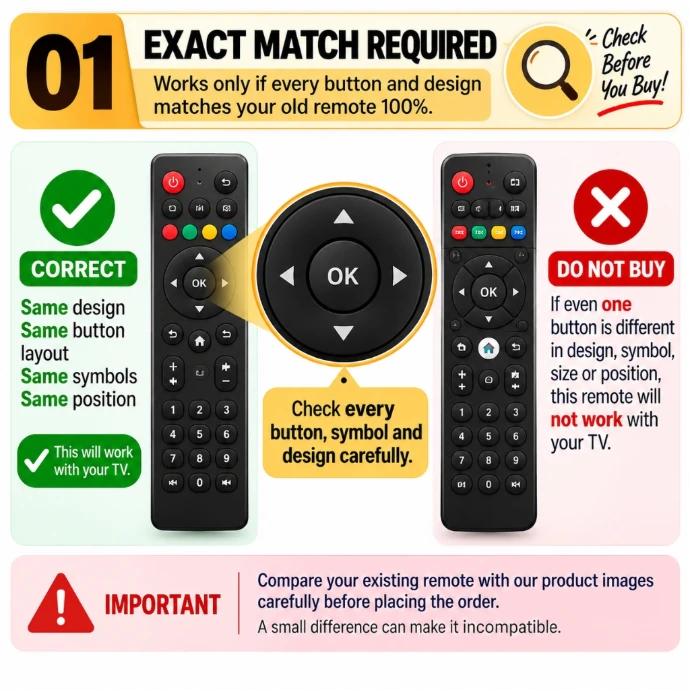
MATCH IMAGE
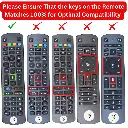
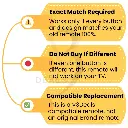
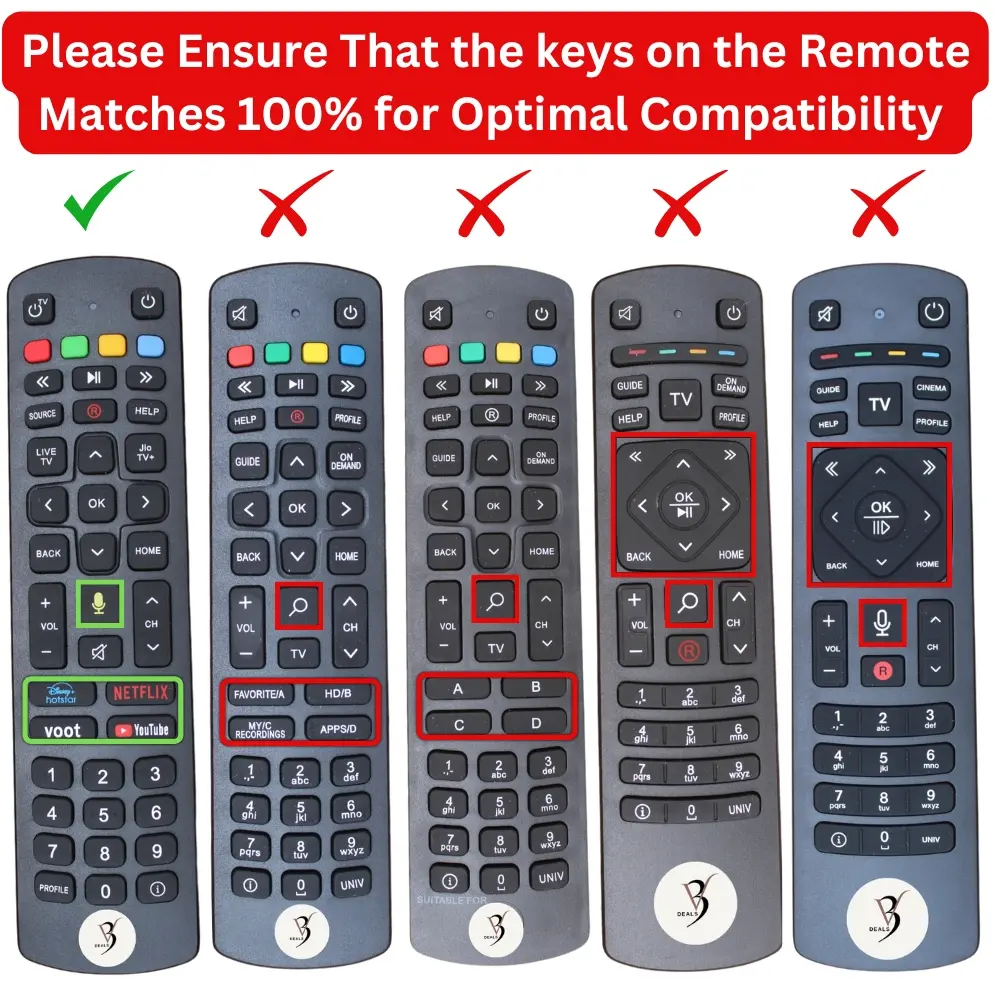
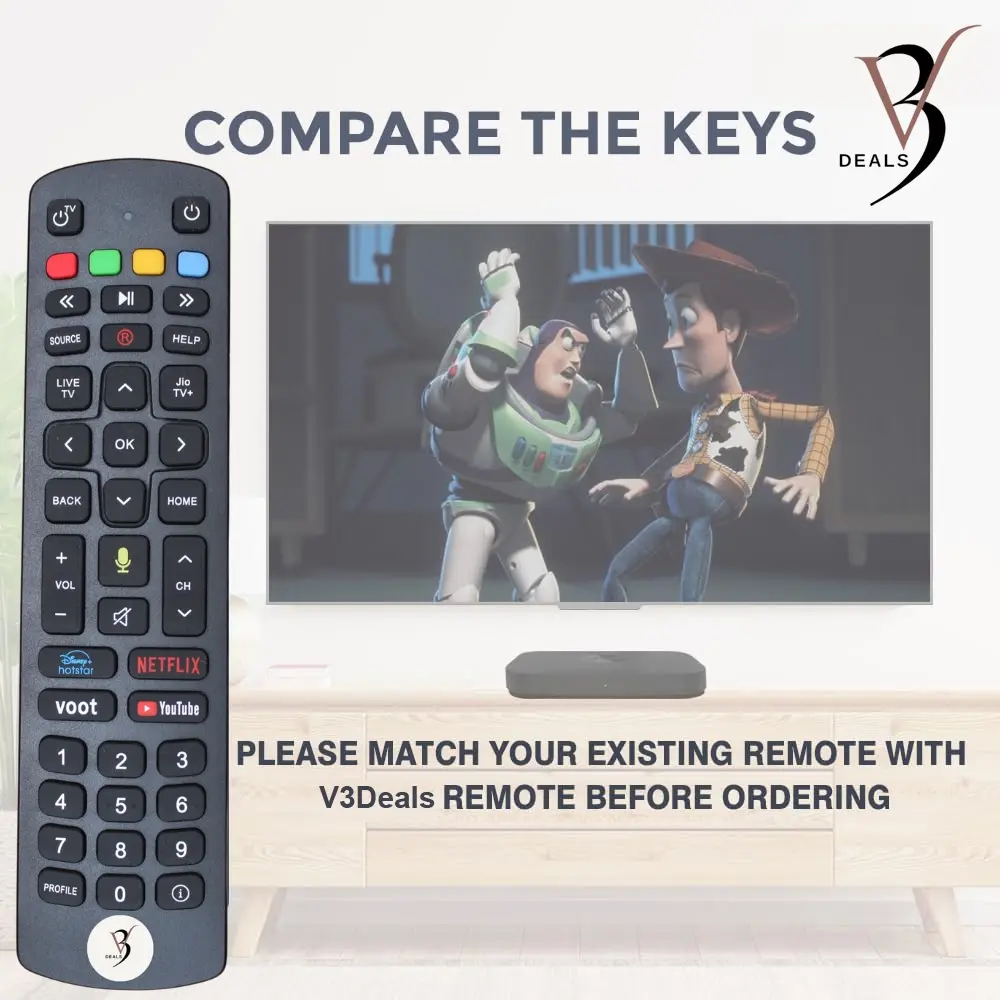
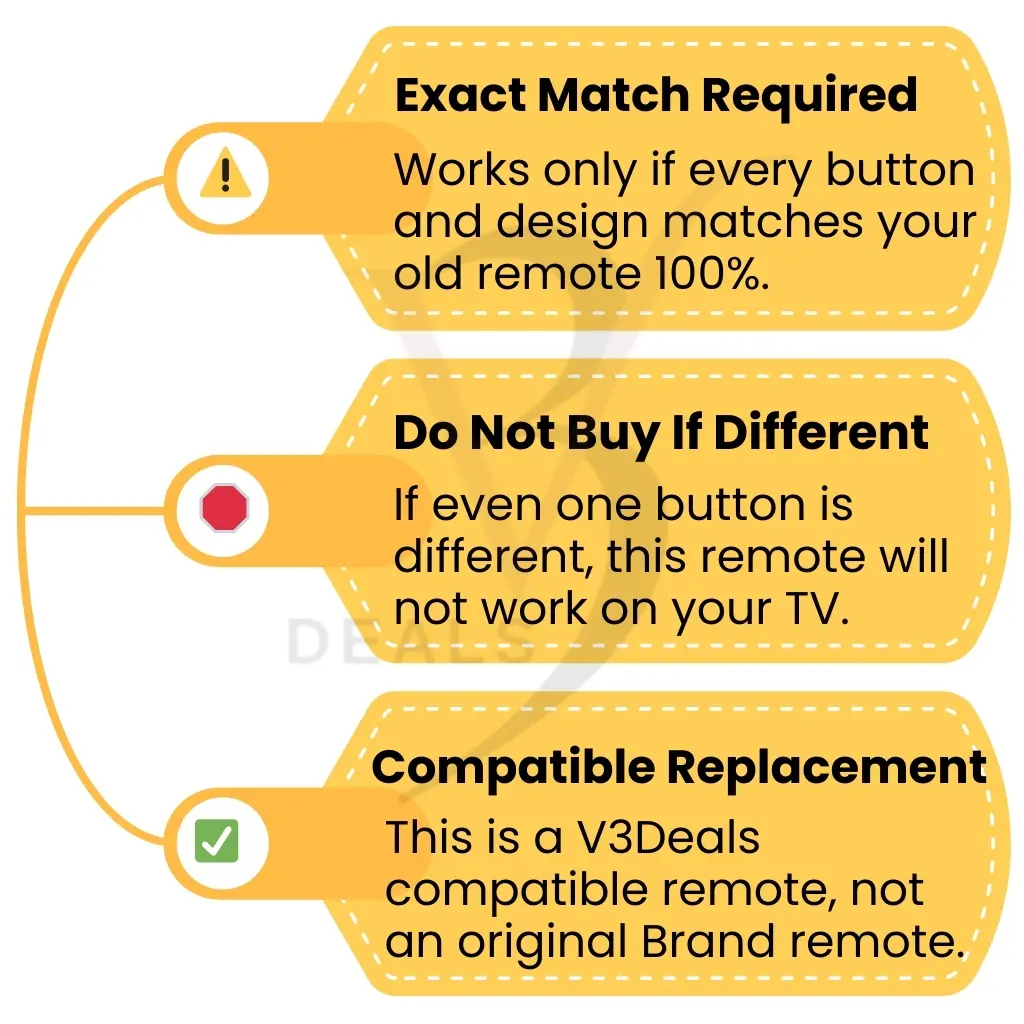
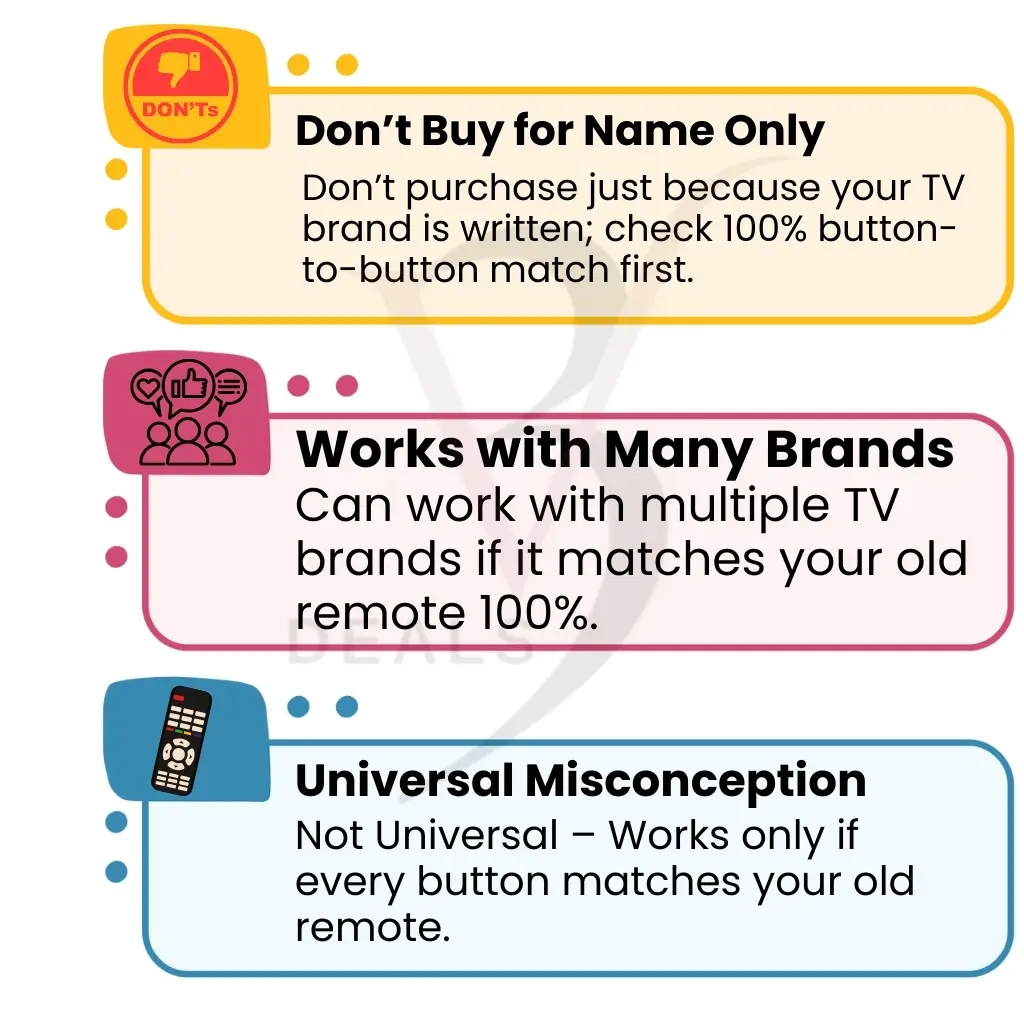
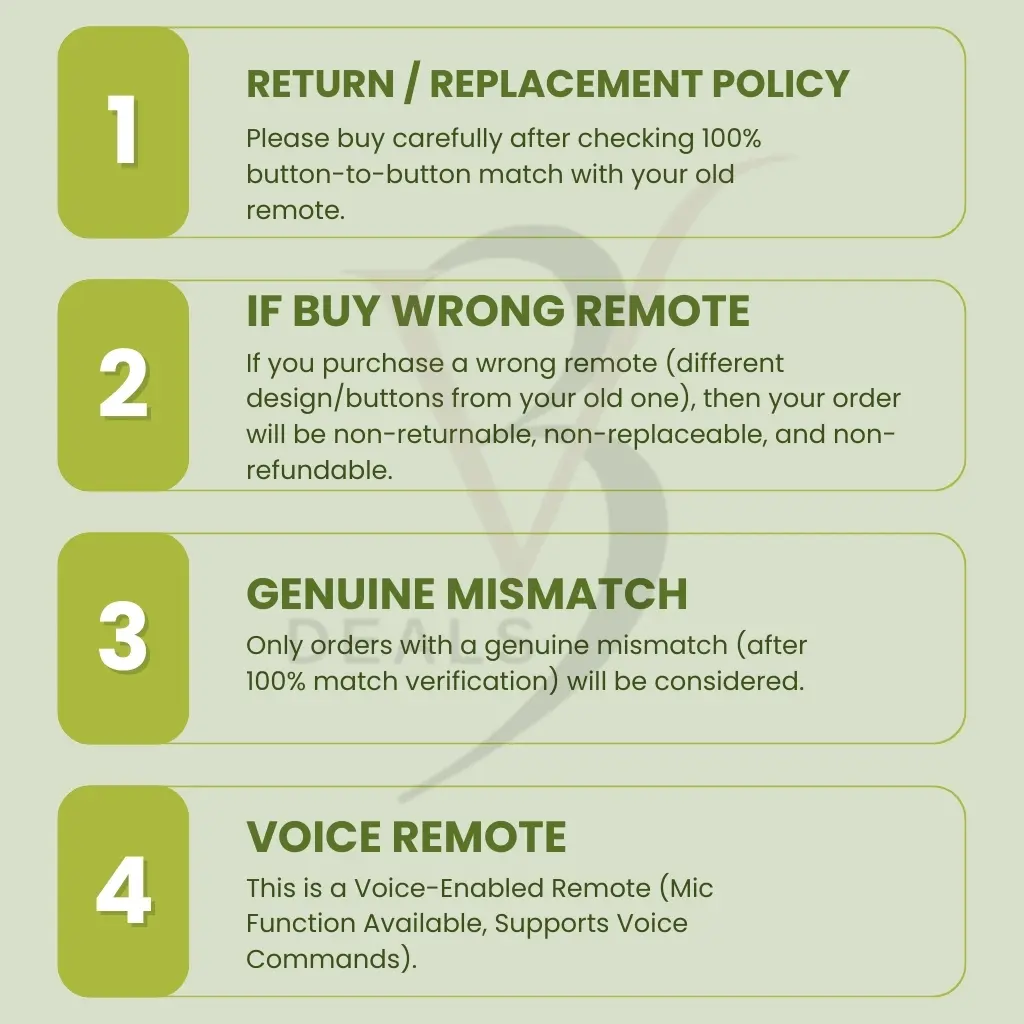
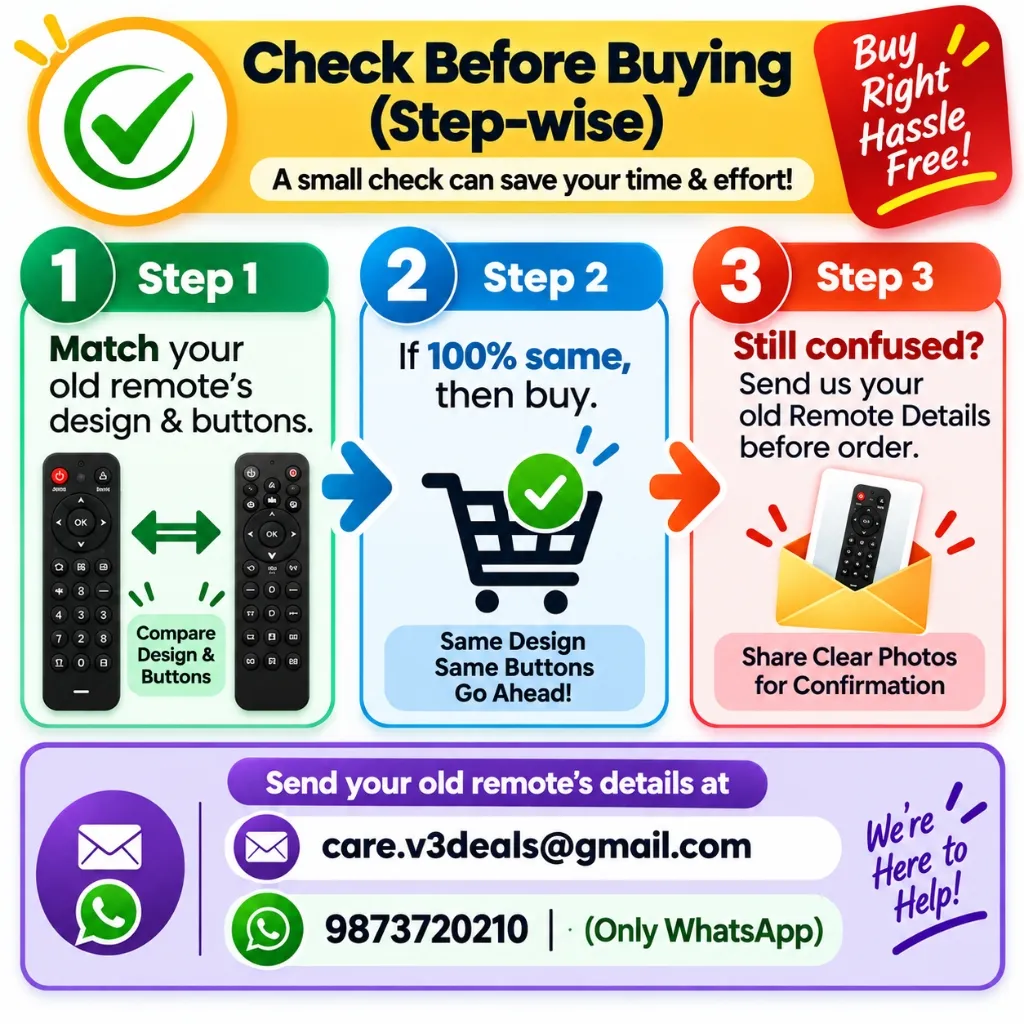
100% match required — every button, layout & design.
02
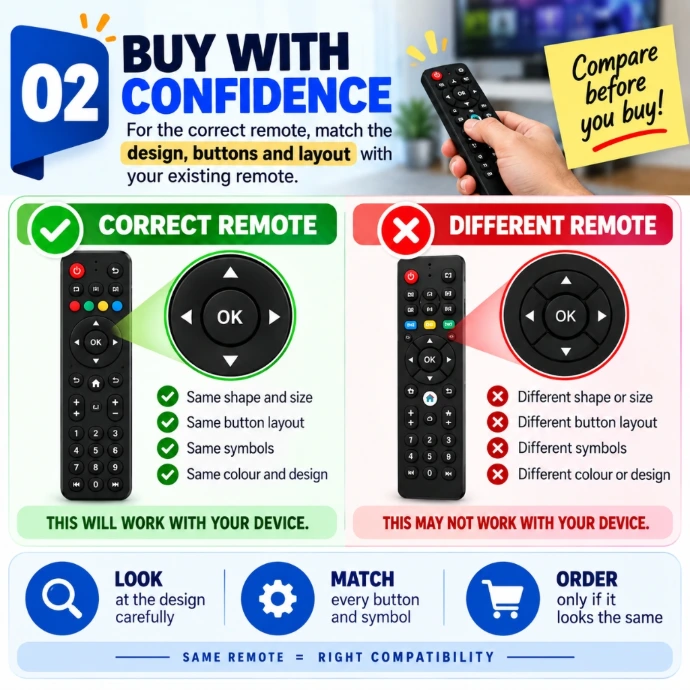
COMPARE BEFORE BUYING
Check the design, buttons & layout with your existing remote.
03
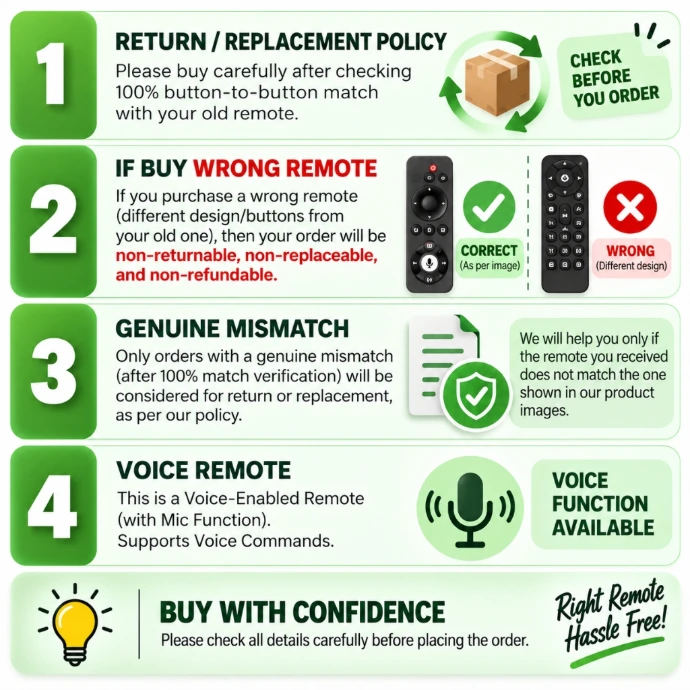
VOICE ENABLED
Voice control supported.
04
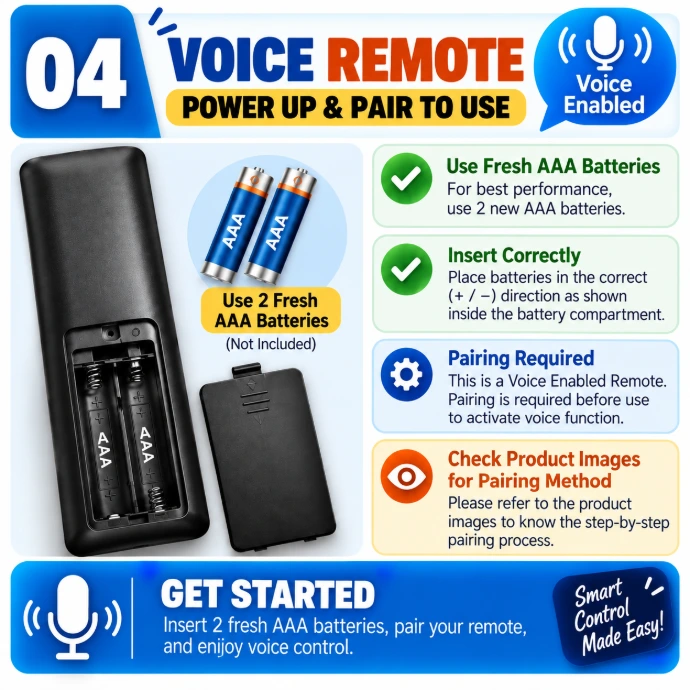
PLUG & PLAY
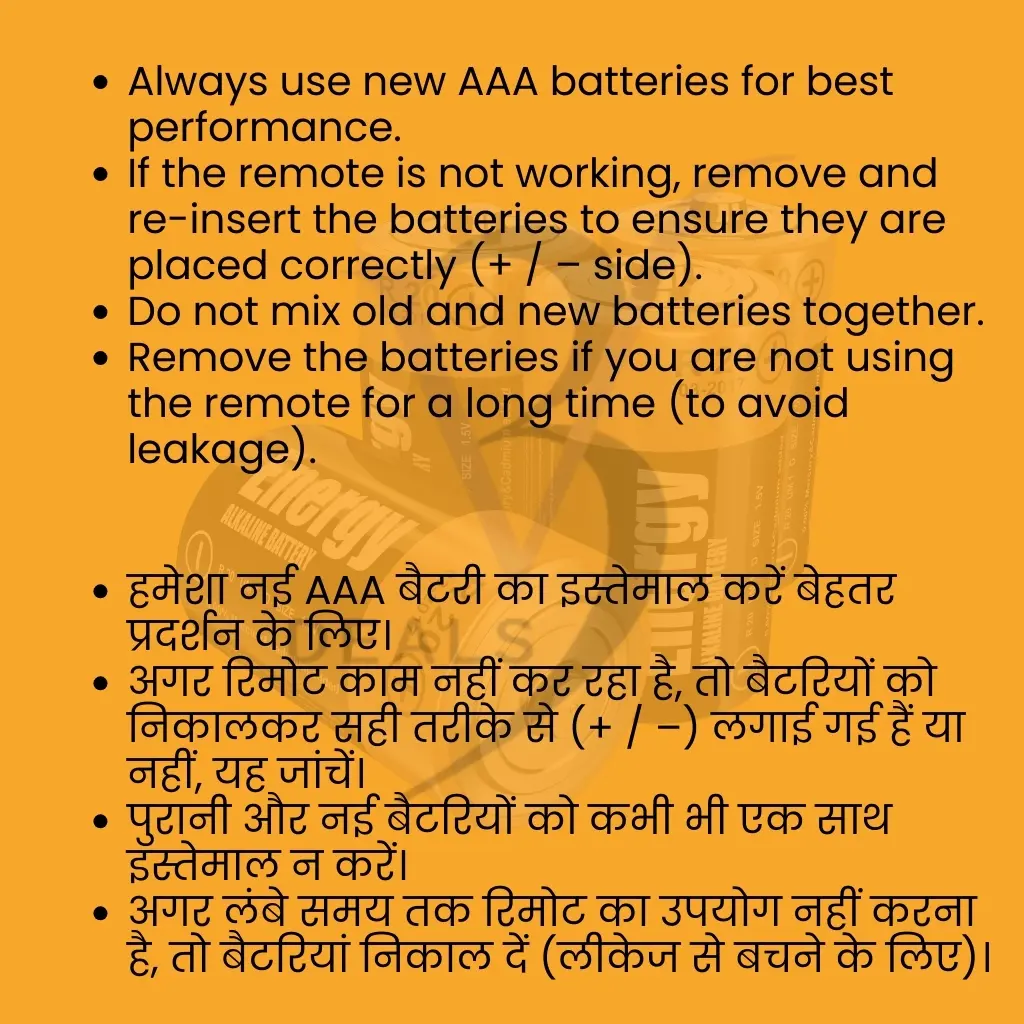
Insert Batteries & Pair Before Use.

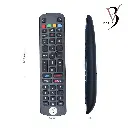
V3Deals Compatible Remote Control for Jio Fiber
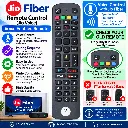
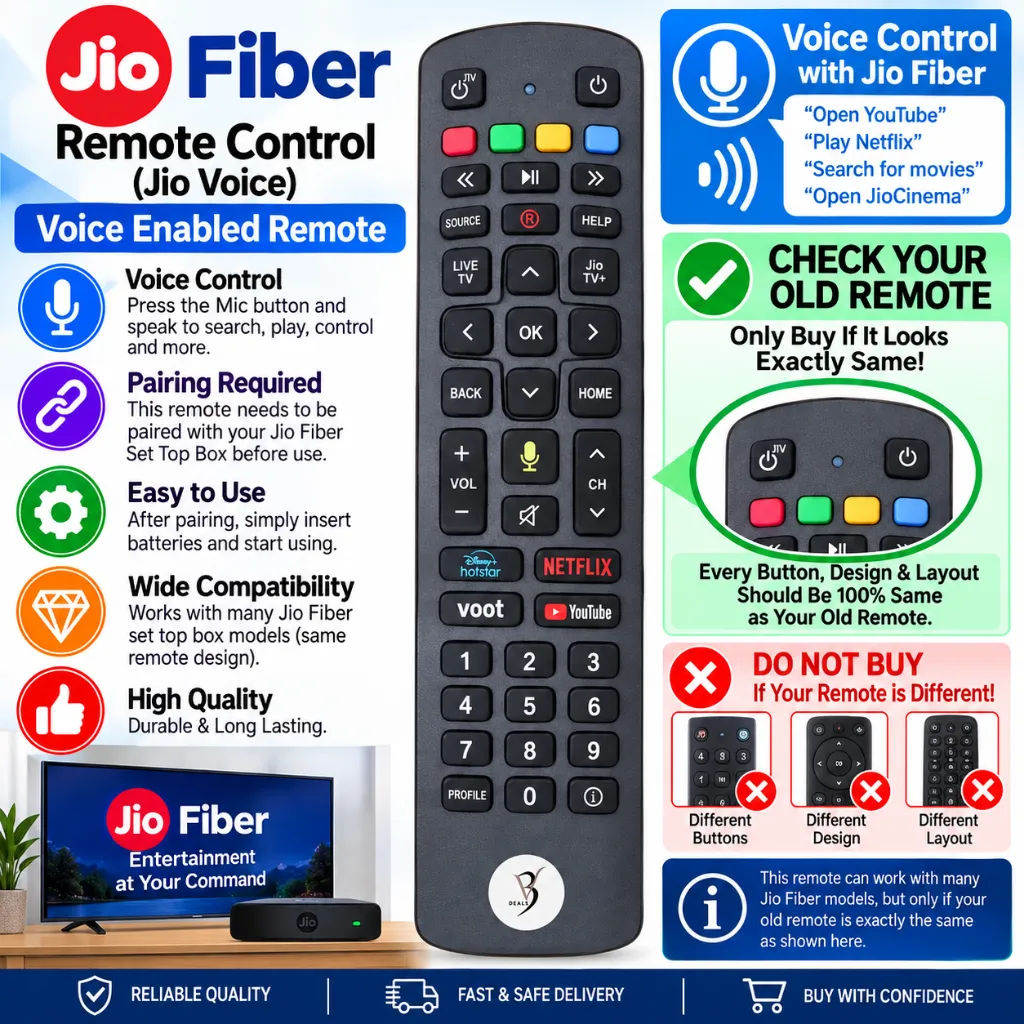
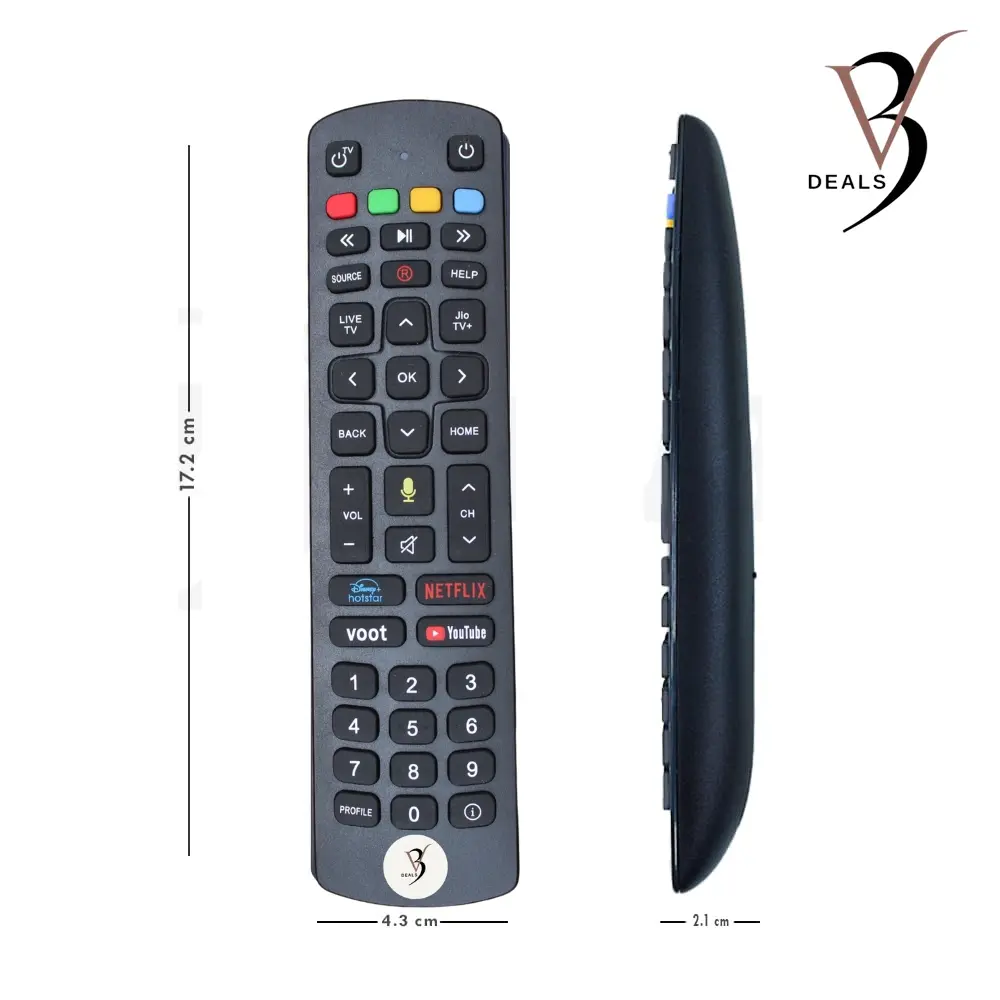
This remote control takes convenience to a new level with its advanced voice control feature. With a built-in microphone and a dedicated button, you can easily search for your favorite shows, adjust settings, or open apps on your Jio Fiber set-top box using just your voice. Say goodbye to endless scrolling and complicated menus—this smart functionality brings you one step closer to hands-free entertainment. The V3Deals Jio Fiber remote has been meticulously designed to replicate the key functions of the remote. Every button, from power to volume and navigation, is positioned exactly where you need it, ensuring a seamless transition from your old remote. Whether you're accessing the Home screen, switching channels, or browsing the guide, this remote ensures flawless functionality for an uninterrupted user experience.
📌 Frequently Asked Questions (FAQ)
Find quick answers to common questions.
Is this an original Jio Fiber remote?
No, this is not an original Jio remote. It is a V3Deals compatible replacement remote designed to work exactly like the original Jio Fiber remote, including the voice control feature.
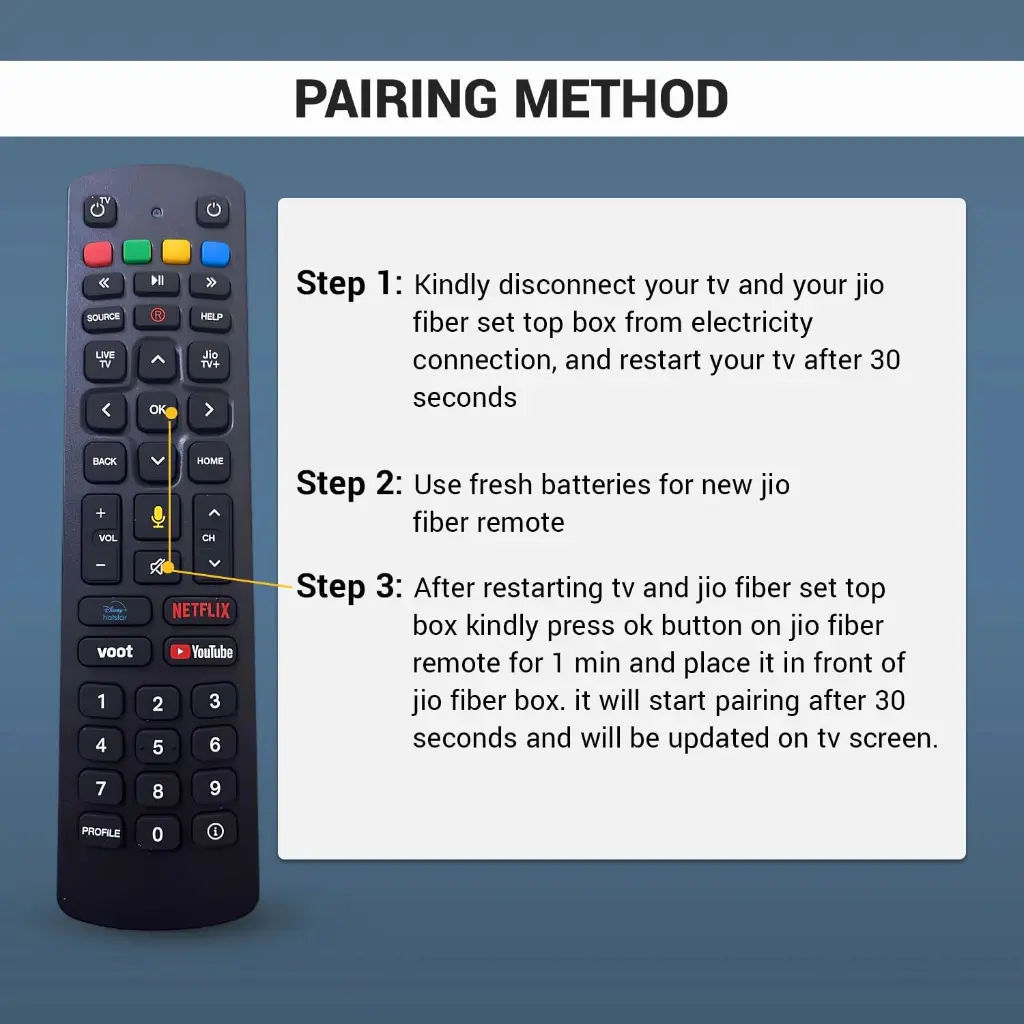
How do I pair this remote with my Jio Fiber Set-Top Box?
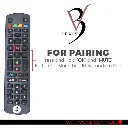
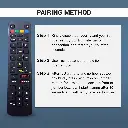
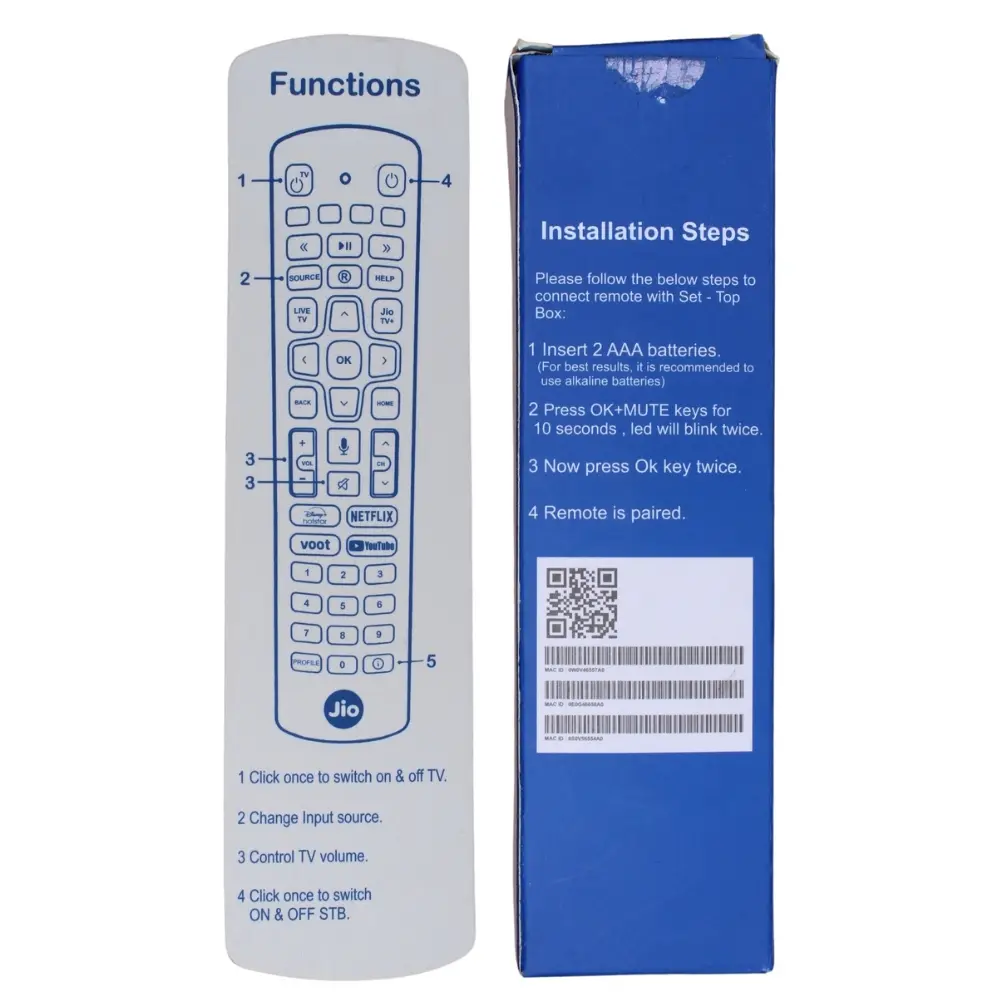
🔹 Follow these simple pairing steps:
Insert 2 AAA batteries (preferably alkaline).
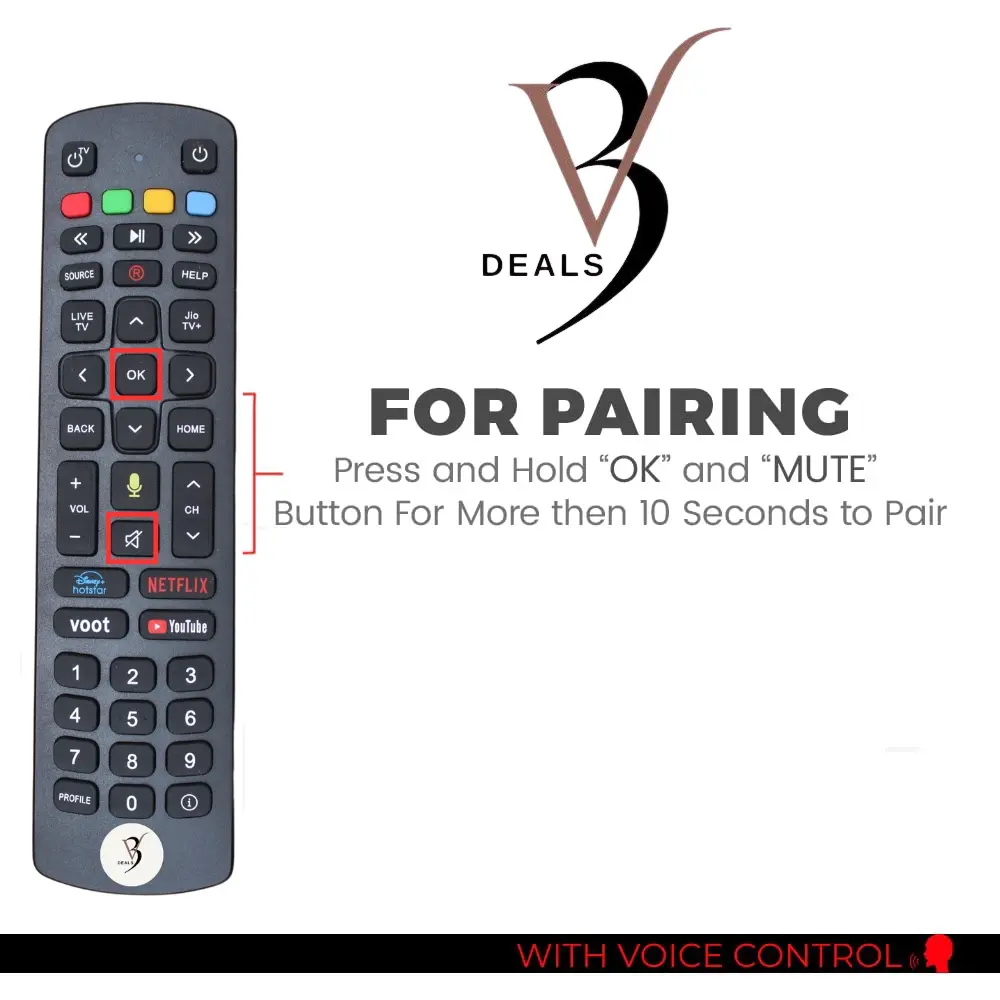
Press and hold the OK + MUTE buttons together for 10 seconds until the LED blinks twice.
Once the LED blinks, press the OK button twice.
Your remote is now successfully paired with the Jio Fiber box.
Is Bluetooth pairing required before using this remote?
Yes. Just insert 2 fresh AAA batteries (not included) This remote works via Bluetooth, so you must pair it with your TV once before the first use.
Does this remote have Netflix, Prime Video, or YouTube shortcut buttons?
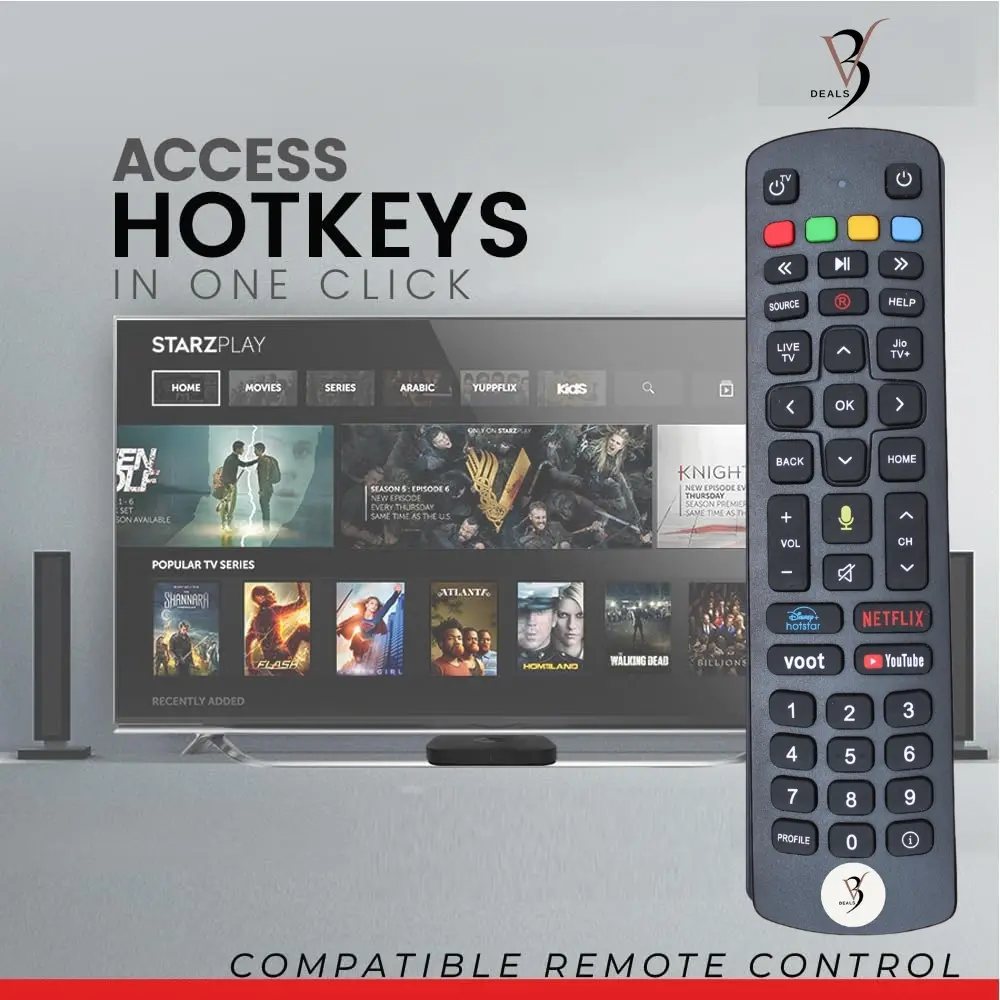
Yes, it includes hotkeys for Netflix, YouTube, and Hotstar for quick access to your favorite apps.
What if my old remote had a different key layout?
The remote will work only if the button layout matches your old one exactly. Please compare the product image carefully before buying.
Does this remote support voice commands?
Yes, this remote includes built-in voice control with a microphone button. You can use voice commands to search shows, open apps, or control settings on your Jio Fiber set-top box.
Alternative Products
These other products might interest you